
Why Your Bench Power Supply Drops Voltage Under Load
Set 12 V but your bench power supply reads 8.5 V? It has probably switched to constant-current mode. Learn why voltage drops under load and how to fix it.
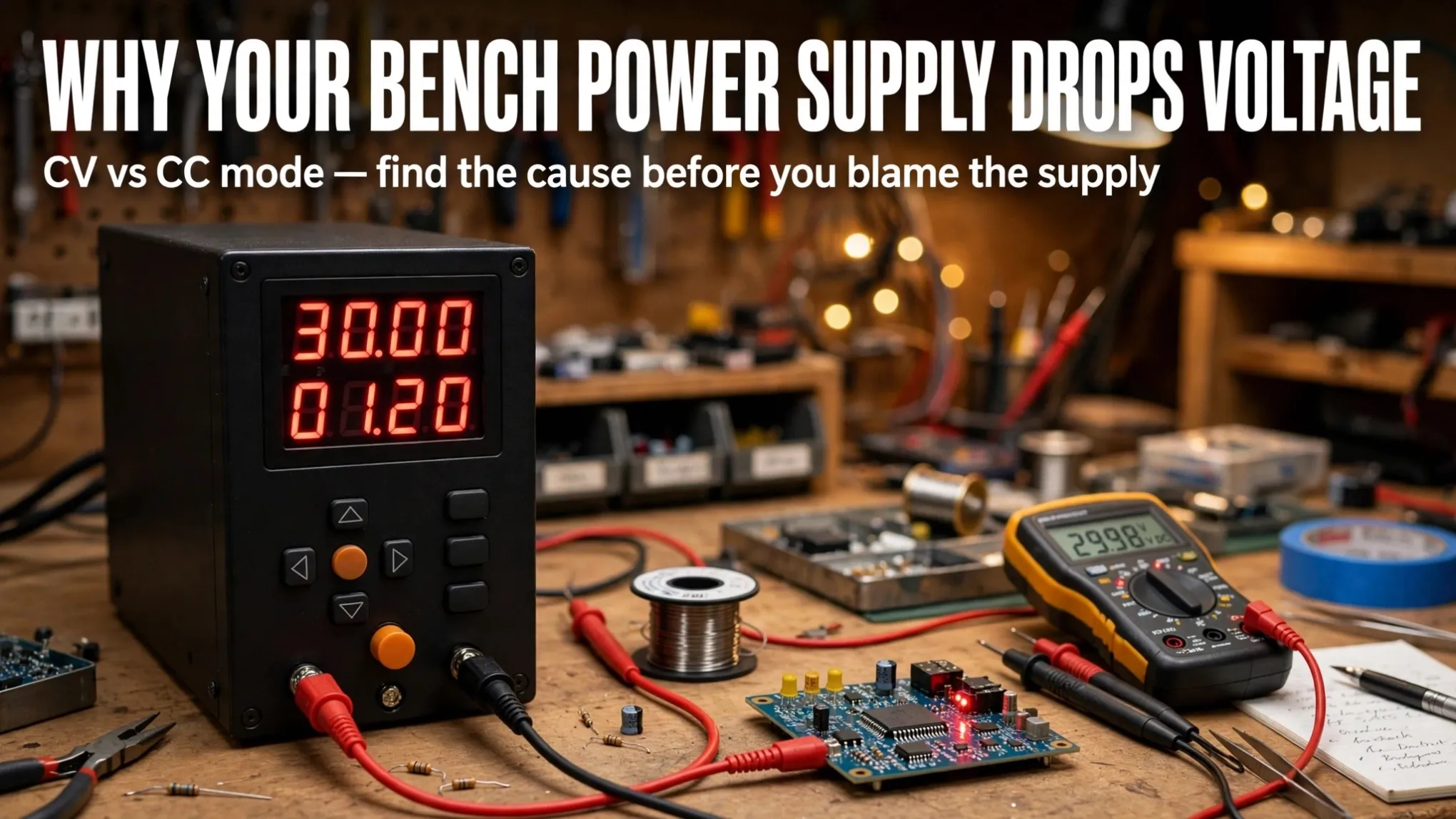
The short answer: your supply is probably not broken — it switched to constant-current mode
You set 12 V, connect your board, and the display reads 8.5 V. Or you set 5 V and the supply will only climb to about 3 V. The first thought is usually that the supply is faulty. In most cases it is not: when the load tries to draw more current than the limit you set, the supply stops holding the voltage and starts holding the current instead. Check the mode indicator first — if the CC light is on, you have your answer.
CV and CC: the two states every bench supply lives in
A bench power supply has two settings, a voltage and a current limit, and it holds whichever one the connected load permits. In constant-voltage (CV) mode, it keeps the set voltage steady while the load draws whatever current it needs, up to the limit. In constant-current (CC) mode, the load wants more current than the limit allows, so the supply caps the current and lets the voltage fall. The two states switch automatically, and every supply carries a lamp or display legend saying which state it is in.
A worked example from a laboratory-supply manufacturer's guide makes it plain: a supply set to 24 V with a 1 A limit, connected to a load that draws more, will indicate 8.5 V at 1.0 A. Nothing is defective — the load takes exactly the current allowed. The same guide warns that a 300 mA limit on a circuit needing a brief 800 mA at start-up can collapse the voltage so far that the circuit never starts.
Why the voltage drops: the five usual causes
1. The current limit is set too low
This is the most common cause, and the easiest to fix. Many users set the voltage carefully and leave the current limit wherever it was last left — sometimes near zero, sometimes at the value used for a different board. Set the limit to roughly one and a half times the expected draw: enough headroom for start-up surges, not enough to feed a short circuit for long.
2. The load draws more than you expected
A board that draws 200 mA in steady state can pull several times that for a few milliseconds at power-on, while capacitors charge or a motor starts. If the limit is set for the steady-state figure, the supply enters CC mode during that surge and the board may fail to boot or reset repeatedly — a fault that looks like a firmware problem. Raise the limit temporarily: if the board starts cleanly, the limit was the problem.
A short circuit is the extreme version of the same cause. A solder bridge or a failed component can pull the load resistance close to zero, so the supply clamps the current and the voltage collapses toward zero. That is the protection working — find the short, don't raise the limit to push through it.
3. The test leads are dropping the voltage
The display shows the voltage at the supply's terminals, not the voltage at your board. Thin, long, or damaged leads have real resistance, and at a few amps even a fraction of an ohm drops a visible amount of voltage — a lead set that is fine at 100 mA can cost you a volt or more at 5 A. Use short, thick leads for high-current work, and measure the voltage at the load with a multimeter if the numbers do not add up.
4. The limit was never set — or was set to zero
Some supplies ship with the current limit at zero and will not deliver an output until both values are set. Others remember the last settings, so a limit left at zero after a previous constant-current job silently blocks the next one — the classic confusion reported by new owners on technician forums. Set both values with the output off and nothing connected.
5. Over-current protection tripped instead of limiting
CC mode and over-current protection (OCP) are not the same thing. In CC mode the supply keeps delivering the limited current; with OCP active, reaching the trip point switches the output off entirely, and some supplies display a "trip" message. If your output disappears rather than sagging, check whether OCP is enabled and whether its threshold sits below your load's peak draw.
A five-minute diagnostic when the voltage sags
- Read the mode indicator. CC lit means the current limit is the cause. CV lit with a low reading points at the leads or the load.
- Disconnect the load. With the output on and nothing connected, the display should read the set voltage.
- Raise the limit in steps. If the voltage recovers, the limit was too low.
- Compare the current with your estimate. Well below the expected draw usually means a connection that is not made; pinned at the limit means a fault.
- Measure at the load. If the supply reads 12 V and the board sees 10.5 V, the difference is being lost in the leads.
When a voltage drop really means a faulty supply
Most sags are settings or load problems, but a supply can genuinely fail. Suspect the unit itself if the output will not reach the set voltage with no load connected, if the CC indicator lights with no load at all, or if the behaviour changed suddenly after months of normal use. In that case, stop using it and have it checked.
What to check before you buy your next bench supply
- A clear CV/CC indicator. The operator must see at a glance which mode the supply is in.
- Automatic CV/CC switching with over-voltage, over-current, and over-temperature protection. These three protections are the minimum that keeps a fault from feeding 30 V into a 5 V board.
- Current headroom. Size the supply at least 20–30% above the highest peak current you expect, including start-up surges.
- Remote sensing, where cable runs are long. Sense leads hold the voltage at the load, not just at the terminals.
- Display and remote control. Simultaneous voltage and current readouts, preset memory, and a remote interface such as RS232, USB, or LAN pay for themselves on a production line.
Zhanyueda's bench-supply range covers the checklist: the ETP3010A and ETP3010B are 0–30 V, 0–10 A, 300 W units with automatic CV/CC switching, a mode indicator light, and over-voltage, over-current, and over-temperature protection; the ODP series adds three independently controllable channels with SCPI remote control.
The bottom line
A bench supply that drops voltage under load is usually telling you something true about the load or the limit, not failing. Read the CC indicator first, set the limit with headroom for start-up current, keep the leads short and thick, and measure at the load before blaming the unit.
Looking for a bench power supply that shows its CV/CC state clearly and protects the boards it powers? Contact us at zydhardware.com for specifications, samples, and OEM/ODM options.