
Why Your Humidity Meter Reads Wrong (and How to Check It)
Two humidity meters disagree in the same room? Learn why humidity meters read wrong — accuracy, placement, condensation and drift — and how to check yours.
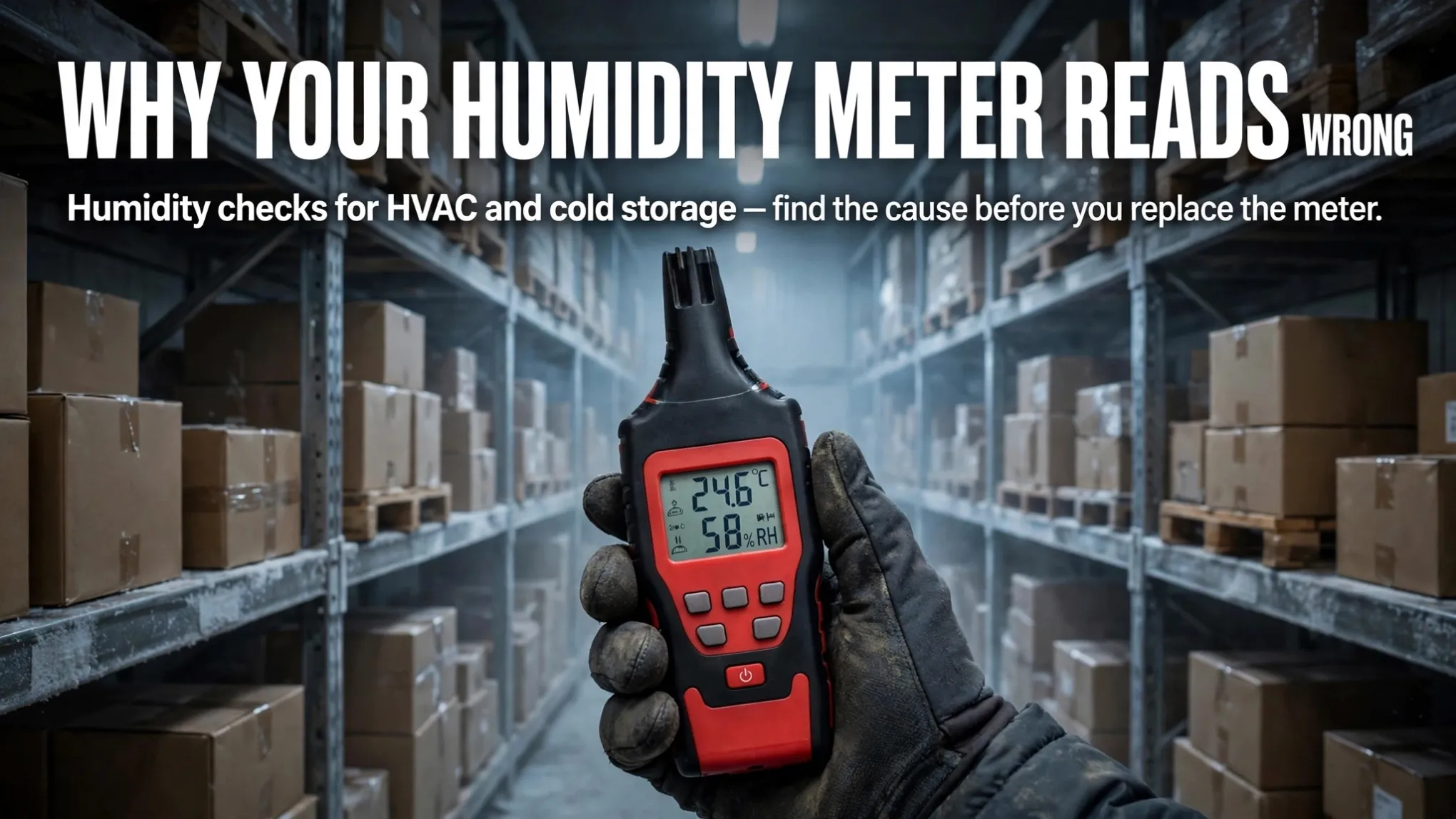
The short answer: it is usually measuring the wrong air, not broken
Two humidity meters in the same room show 45% and 52% — or a meter that read fine for a year suddenly sits near 100%. It is often not broken. A humidity reading is harder to get right than a temperature reading. Most errors come from a short list: the meters' accuracy limits, placement, settling time, water on the sensor, and slow drift. Work through them before you return the meter.
Why humidity is harder to measure than temperature
Relative humidity (RH) is the water vapour in the air as a percentage of the maximum the air could hold at that temperature. Warm the same air by about 1 °C at 20 °C and 50% RH, and the reading falls by roughly 3 percentage points, though no water has entered or left the room. Near 90% RH the same 1 °C shift moves the reading by about 6 points. That is why the UK's National Physical Laboratory (NPL) treats temperature as essential whenever relative humidity is recorded.
The NPL puts the realistic uncertainty of a relative humidity measurement at 2 to 3 percentage points in ideal conditions, and 5 to 10 points or worse in difficult ones — a slower, more fragile measurement than temperature, and one to be checked like it.
The six usual causes
1. Both meters can be "right" — and still disagree
A good handheld meter typically claims around ±3% RH; a budget room display may claim ±5% RH — the HTC-1 room thermometer in our catalogue lists 10–99% RH at ±5% RH. Two meters, each inside its own specification, can legitimately sit 6 to 10 points apart in the same room, and a small temperature difference between the two spots widens the gap further. That is not a fault in either meter.
2. The meter is measuring the wrong air
Humidity is local. A meter next to a vent, a window, a radiator, or a humidifier outlet reads the air at that spot, not the room. A meter in a cold corner reads higher than the same air in a warm spot, because cold air holds less moisture.
Put the meter where the measurement matters — at working height, away from airflow, sunlight, heaters, and open water. If two meters disagree, move them side by side and compare again after half an hour.
3. It has not had time to settle
Humidity sensors are slow: the sensing element absorbs water vapour and takes time to reach equilibrium, much longer after a big step change such as moving from a cool store into a warm office. Field guides commonly advise 30 to 60 minutes of acclimation after moving a meter — reading it after two minutes measures the room it came from.
4. Water has condensed on the sensor
Condensation is the most common cause of a stuck high reading. When water condenses on the sensing element, the meter reads saturation — near 100% RH — until it dries out, and recovery can be slow. On a technician forum, a user of a common capacitive sensor reported that once wet it would not read correctly until it dried; with a large enough droplet it effectively shorted and showed 0%. Its datasheet notes the 3% accuracy figure only applies up to 80% RH. If a meter reads 100% after a cold night or a washdown, let it dry fully in a dry room and check it again before deciding it is faulty.
5. The sensor has drifted
Humidity sensors drift more than most instruments, because the sensing element sits directly in the air it measures. Dust, oil mist, solvents, and cleaning chemicals coat the sensing layer and shift how it absorbs moisture. Long exposure above 80% RH can leave a lasting offset: one sensor maker's datasheet records a shift of about 3 points after 60 hours above 80% RH, and typical ageing drift under 0.25 points a year in clean conditions.
Drift is gradual, so it is usually discovered by comparison: sensors in similar areas start to disagree, or one meter permanently deviates from a reference. The fix is recalibration or a new sensor — not a new meter bought on the same specification.
6. A temperature error is corrupting the humidity reading
Because RH depends on temperature, any temperature error becomes a humidity error. A sensor in sunlight, warmed by a hand, or mounted against a cold wall reports a temperature the air does not have — and the humidity reading follows it. Check the temperature reading first: if it is wrong, the humidity number cannot be right either.
A five-minute check before you replace the meter
- Put the meters side by side — same spot, at working height. Wait at least 30 minutes and compare at the same moment.
- Check the temperature first. If the temperature reading is off, fix that before trusting the humidity number.
- Run the salt test. Seal damp table salt in a small open container with the meter in an airtight bag for 6 to 8 hours. The air inside should be about 75% RH; the gap from 75% is the meter's error.
- Dry it out. If the meter has been in a cold or wet place, let it dry fully in a normal room and test again. A reading that stays wrong after drying is a real fault.
- Compare against a reference you trust — a calibrated meter, or one with a known recent calibration.
When a wrong reading really means a faulty meter
Most bad readings are placement, settling, condensation, or drift. Suspect the meter itself if it stays at 100% after a full day in dry air, if the salt test shows an error far beyond its stated accuracy, or if the reading jumps erratically with no change in conditions.
What to check before you buy your next humidity meter
- Humidity accuracy across the range, not just at room temperature — most meters are at their worst at high and low humidity.
- Response and settling time — a slow sensor wastes the technician's time on every spot check.
- Sensor protection — a filter cap over the sensing element keeps dust and splashes off it.
- Calibration support — ask whether a calibration certificate is available, what re-calibration costs, and how often the maker recommends checking the meter.
- Temperature accuracy — a meter with a sloppy temperature channel cannot give a trustworthy humidity number. Our HT618 handheld thermo-hygrometer lists ±0.5 °C with 0.1 °C repeatability across −20 °C to 60 °C.
The bottom line
A humidity meter that reads wrong is usually telling you something true about the air where it sits, the water on its sensor, or the slow drift of its sensing element. Put two meters side by side, wait half an hour, check the temperature, and run a salt test before you blame the meter.
Looking for a thermo-hygrometer you can check against a reference and trust in the field? Contact us at zydhardware.com for specifications, samples, and OEM/ODM options.