
Buying Guides
Why Your Laser Distance Meter Reads Wrong Outdoors
Laser distance meter reading wrong outdoors? Sunlight, dark targets and a wrong reference point are the usual causes. Check each one before replacing the meter.
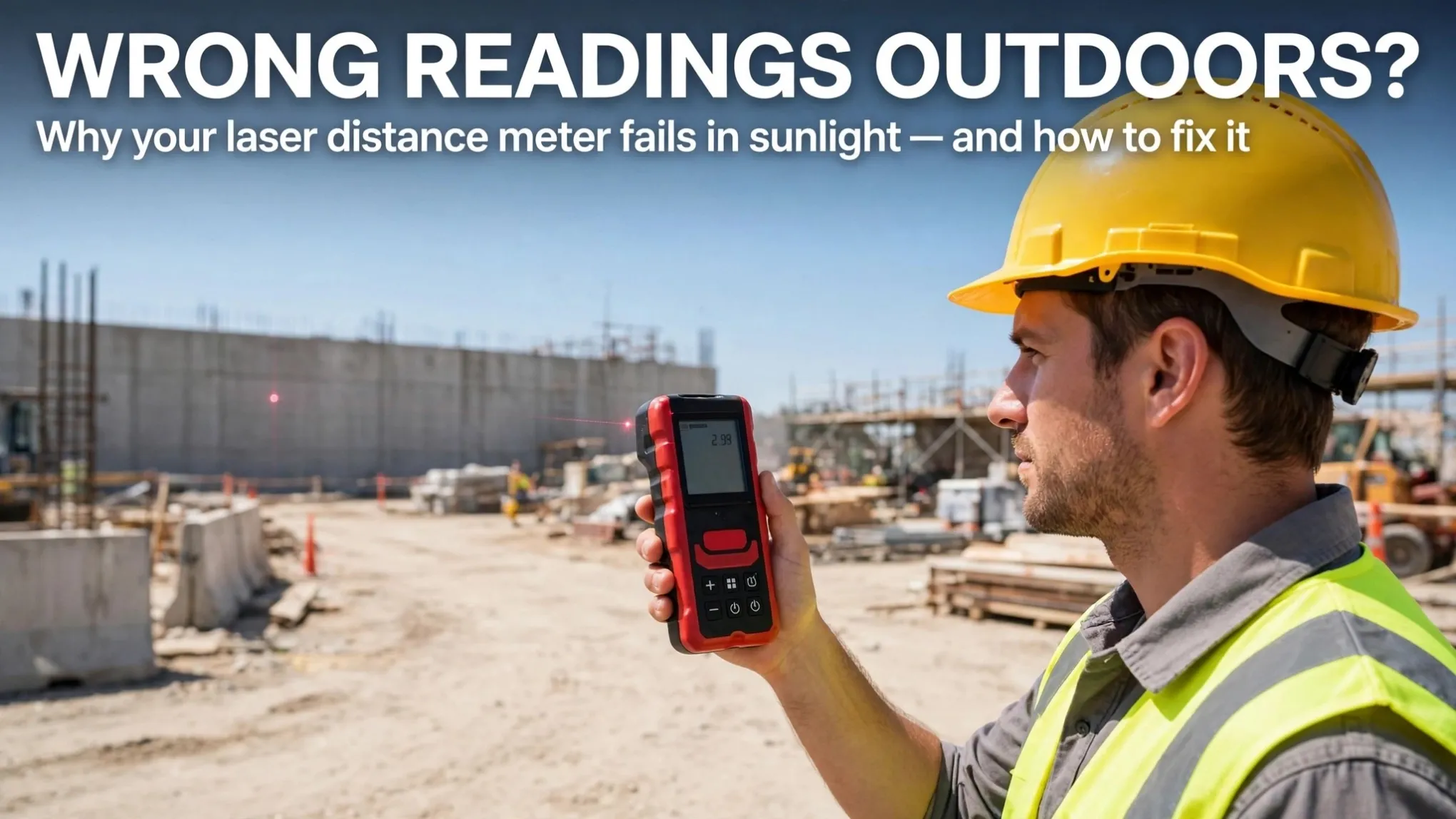
A laser distance meter that is spot-on indoors can give readings that are centimetres off — or no reading at all — the moment you take it outside. Before you conclude the meter is faulty, check the conditions first. In most outdoor cases the cause is not a broken sensor: it is sunlight interfering with the returning beam, a target surface that reflects poorly, or a setting left wrong from the last job. Work through each cause below, and you can tell within minutes whether the meter, the target or the conditions are at fault.
Why Sunlight Is the First Suspect
A laser distance meter fires a pulse of light at a target and times its return. Outdoors, that returning pulse has to compete with the sun. Many handheld meters use a pulsed laser around the 905 nm wavelength, a band sunlight also contains in large amounts. In strong sun, that light floods the receiver, lowers the signal-to-noise ratio and can shorten the effective range or produce intermittent readings.
There is also a simpler problem: you cannot confirm a measurement you cannot see. A standard red Class II laser dot (typically 635 nm, under 1 mW) is easy to spot indoors but hard to find in bright daylight, especially beyond 20 to 30 metres. If you cannot see where the dot lands, you cannot know whether it hit the wall, the window frame or the edge of a column — and any of those gives a different number.
Green lasers help. They operate around 500–535 nm, a wavelength the eye sees far more readily, and outdoor tests found green readings more stable beyond 20 metres in strong sunlight, while red sensors grew unstable at 50 metres on darker surfaces. Green is not a cure-all, but for mostly outdoor work it is the most useful upgrade to specify.
The Target Matters as Much as the Meter
The rated range on the box assumes a favourable target: light-coloured, matte and perpendicular to the beam. Real sites rarely offer one.
Dark surfaces absorb the beam. A dark-painted wall, weathered timber or black cladding returns far less light than a white wall. The meter may still give a number, but it is working with a weak signal, and weak signals are where errors creep in. The darker the target and the longer the distance, the sooner the meter reaches its practical limit.
Glossy surfaces scatter or overload the sensor. Glass, polished metal and wet surfaces can reflect the beam away from the receiver or flood it with too much light. If you must measure to a shiny surface, tape a piece of matte paper over the spot first; it usually fixes the reading.
An angled target changes the distance. The beam must strike the surface at close to a right angle. For indirect measurements — the top of a wall, or a point you cannot reach — use the meter's Pythagoras function instead of tilting the device and guessing.
Five Checks Before You Blame the Meter
When a reading looks wrong outdoors, work through these five checks.
1. Check the reference point. Most meters measure from the front, the rear or a tripod mount, and the setting survives from the last job. A wrong reference adds or subtracts the length of the meter itself from every reading. Manuals list this as a leading cause of inaccurate measurements — confirm the setting before every critical shot.
2. Hold the meter steady. Hand tremor is invisible at 5 metres and obvious at 50. Brace the meter against a wall, a post or a tripod for long shots, and use continuous measurement mode to watch the reading settle instead of trusting a single press.
3. Clean the lens. The laser lens is small, and a smear of sawdust, concrete dust or glove oil can distort the beam before it leaves the tool. Clean it, then retest, before touching any calibration setting.
4. Check the battery. Several manufacturers' troubleshooting tables list low battery as a cause of inaccurate or inconsistent readings. If the meter has been in the truck for weeks, fit fresh batteries and retest before deciding the meter is faulty.
5. Check the angle and the path. Make sure nothing crosses the beam — a scaffold pole, a passing worker, a hanging cable — and that the target is square to the meter. If the reading jumps between presses, something in the path or the angle is usually moving.
A 10-Minute Accuracy Check You Can Do on Site
If the five checks do not explain the error, verify the meter against a known distance. Mark two points exactly 10 metres apart with a steel tape, then measure the same distance with the laser three times. A healthy meter should repeat within its stated accuracy — for example, ±1.5 mm on models such as the NF-271 range. If the readings agree with each other but disagree with the tape by more than the stated accuracy, clean the lens, fit fresh batteries and repeat. If the error stays, the meter may need a calibration check; look for a self-calibration routine in the manual or ask the supplier what support they offer.
What to Specify When Buying for Outdoor Use
Feature | Indoor work | Outdoor and site work |
|---|---|---|
Range | 40 m is usually enough | 60–100 m, e.g. NF-271 in 60/80/100 m versions |
Laser colour | Red is fine | Green preferred for visibility in sunlight |
Display | Standard LCD | Large backlit display, readable in daylight |
Protection | Basic housing | IP54 dust and splash protection, e.g. WT-80 |
Extras | Area and volume | Target plate, tripod mount, Pythagoras function |
For importers and brand owners, the outdoor question is also a sample question. Test the sample in sunlight, on a dark target and at full range before you order — not just on a white wall indoors. A 100 m rating means little if the dot is invisible at 40 m in sun or the accuracy degrades past 50 m. Ask the supplier for the outdoor range on a dark target, not only the headline range, and confirm whether a target plate is included.
Questions to Ask Your Supplier
- What is the practical outdoor range on a dark, matte target — not only the headline range?
- Is a green laser version available, and what is the price difference?
- Is a reflective target plate included with the meter?
- What is the dust and water protection rating, and what does the warranty cover?
- For OEM orders: can the housing carry our logo, can the packaging and manual be supplied in our language, and is a barcode available for retail?
A laser distance meter that reads wrong outdoors is usually telling you about the conditions, not about itself. Check the sunlight, the target, the reference point and the lens first. If the meter still disagrees with a tape after those checks, you have a clear, documented fault to take back to the supplier.
Looking for a laser distance meter for your market? Contact us through zydhardware.com for samples, specifications and OEM options.