
Why Your Network Cable Tester Says a Good Cable Is Bad
Your cable tester says open, short or crossed on a cable that looks fine? What each result means, and a 5-minute check to tell a bad cable from a bad test.
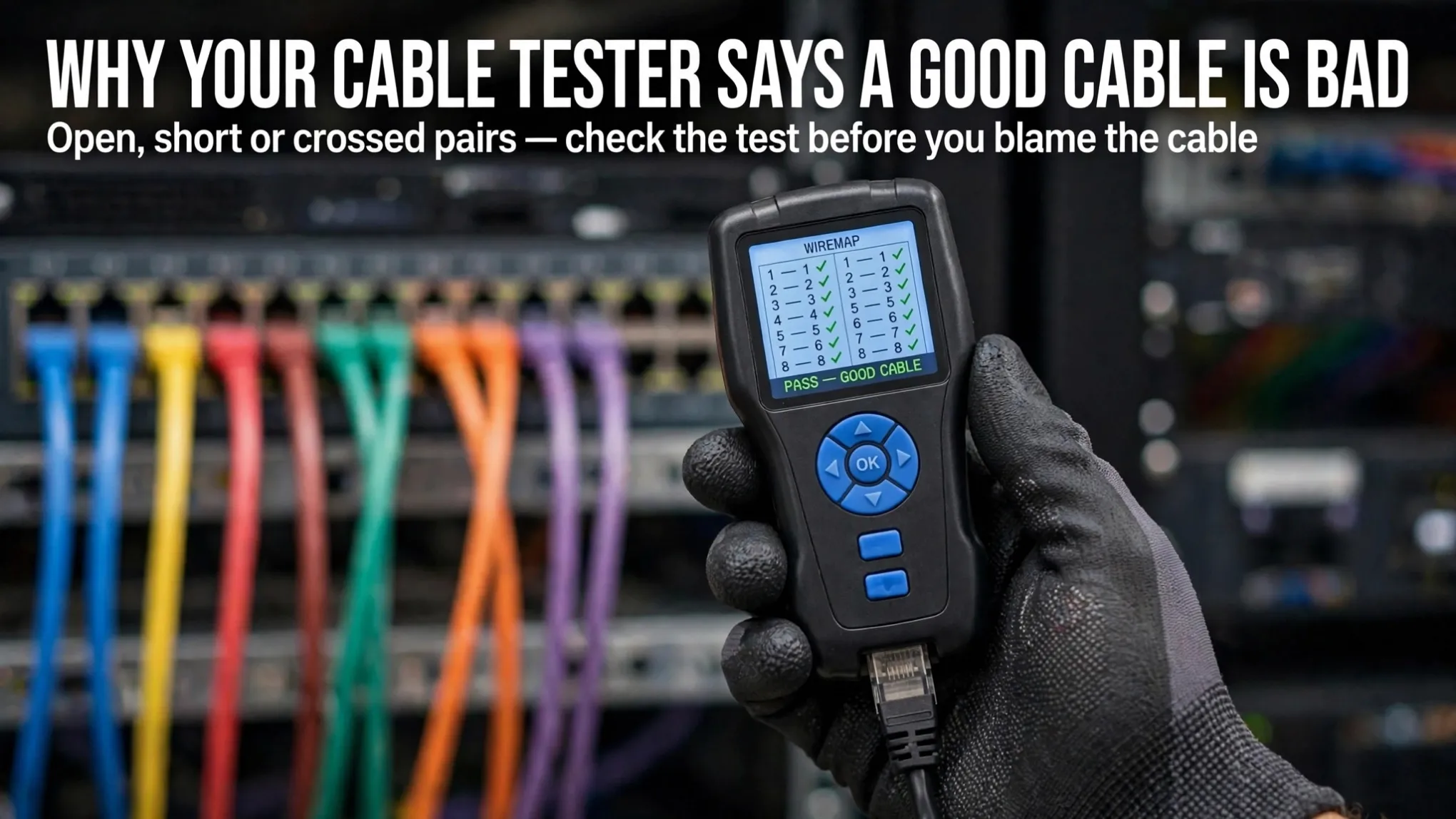
Why Your Network Cable Tester Says a Good Cable Is Bad
A cable that looks perfect fails the test. One LED stays dark, two light up together, or the order comes back wrong — and the first instinct is to blame the tester or throw the cable away. A basic tester answers only one narrow question: is every wire connected to the right pin at the other end? It does not measure speed or signal quality. Once you know what each result means, most "bad cable" verdicts turn into a five-minute fix.
What a Basic Tester Actually Checks
An Ethernet cable holds eight wires in four twisted pairs. A handheld tester sends a small signal down each wire in turn and lights an LED — or shows a wire map on a display — for each one. Plug one end into the main unit and the other into the remote, press test, and the LEDs should light 1 to 8. It does not check crosstalk or bandwidth, so a cable can pass it and still drop packets at gigabit speed.
Read the Result: Four Fault Signatures
| What you see | What it usually means |
|---|---|
| LEDs 1 to 8 light in order | Cable is good — at wire-map level |
| One LED stays dark on both ends | Open circuit on that wire |
| Two LEDs light together | Short between those two wires |
| LED order differs between the ends | Crossed, reversed, or split pair |
| No LEDs at all | Dead battery, loose connector, or cable not seated |
An "open" means the tester found no electrical path on one or more conductors — but the missing connection may sit at a connector, in a jack, or in the tester setup itself.
Six Reasons a Good Cable Fails the Test
1. The plug is not seated, or the remote is missing. An RJ45 plug must click fully in so the eight contacts touch the conductors. A half-seated plug or a missing remote reads as open on all conductors at once.
2. A low battery makes the tester lie. As the charge falls, the signal weakens: LEDs flicker and a wire reads open one test, fine the next. If readings change between tests, replace the battery first.
3. You tested a live cable — or a PoE line. A basic continuity tester is not built for live voltage. Testing a cable still connected to a switch, a router, or a Power over Ethernet source can damage the tester's electronics and will corrupt the result. PoE carries 48 to 56 volts on the same pairs and can burn out a basic tester's input stage.
4. T568A at one end, T568B at the other. Ethernet has two wiring standards, T568A and T568B. T568B at one end and T568A at the other makes a crossover cable, and the tester will report crossed pairs. The fix is not a new cable: re-terminate one end to match the other.
5. A split pair passes continuity and still fails. In a split pair, one wire from one twisted pair is used with a wire from another. Pin-to-pin, every conductor still reaches the right pin, so a basic tester may show a pass — but the pairs are no longer twisted together correctly, so crosstalk rises and the link errors out at speed. Only a tester with split-pair detection flags it.
6. Shielded cable, wrong length setting, or a tester past its limits. A shielded Cat6a cable can appear open on the drain path if the tester cannot detect shields. Length readings add another trap: the wrong velocity-factor (NVP) setting shifts the reading by 10 percent or more.
The 5-Minute Check That Settles It
- Test a known-good patch cable first. A short factory-made patch cable proves the tester, the remote, and the battery all work.
- Reseat both plugs and wiggle them gently. Flickering LEDs while you move the plug point to a bad crimp.
- Swap the remote to the other end and test again.
- Check the battery, then check for live voltage. Replace a weak battery and confirm the run is disconnected from switches and PoE.
- Compare the wire map with the standard you intended. T568B order — white-orange, orange, white-green, blue, white-blue, green, white-brown, brown — is the most common scheme.
If the known-good cable passes and the suspect run still fails, the fault is real — usually a failed crimp or a loose punch-down. Re-terminate that end and retest before you pull new cable.
What to Ask a Supplier Before You Buy a Tester
Not all testers are equal, and the cheapest one often produces the most "bad cable" verdicts. When sourcing testers, ask: does it detect split pairs, or only continuity? Does it measure length, and how accurate is the distance reading? Is it safe on PoE lines, or will a live line damage it? Does it handle shielded cable and coax, and how many remotes does it support?
Catalogue models illustrate the range: the compact NF-868 covers open, short, cross, reverse, and broken-wire positioning plus length measurement for network, coaxial, telephone, and USB cable, while the fuller NF-8601S adds PoE and PING testing, crosstalk testing, tone tracing, and up to eight remote units. Confirm the exact functions against the supplier's specification sheet.
Frequently Asked Questions
Why does my cable tester show open on all 8 wires?
All eight open at once almost always means a setup problem, not a broken cable. Check the remote, both plugs, the test mode, and the battery.
Can a cable pass the tester but still not work?
Yes — a basic wire-map test only confirms continuity and pin order. It does not test crosstalk or bandwidth, so a split pair or a run over 100 metres can pass the map and still fail at gigabit speed.
What is a split pair, and why does it matter?
A split pair mixes one wire from one twisted pair with a wire from another. Pin-to-pin it looks correct, but the pairs are no longer twisted together, so interference rises and the link errors out.
Can I test a cable that is still plugged into a switch?
No — disconnect both ends first. A live line, especially PoE at around 48 to 56 volts, can damage a basic tester and will corrupt the result.
Does a wire-map pass mean my cable is Cat6 rated?
No — a wire-map pass confirms the wiring is correct, nothing about category or speed. A pass on a basic tester is a useful first result, not a certification.
Read the wire map for what it is, prove the tester with a known-good cable, and most "bad cables" turn out to be a plug, a standard, or a setting. When the fault survives all five checks, trust the tester — and re-terminate before you replace.
Looking for a network cable tester for your team or your product line? Visit zydhardware.com to see our cable tester range — or contact us for OEM and bulk pricing.
Related reading: How to Choose a Cable Tracker for Electricians, Why Your Cable Locator Shows the Wrong Position